




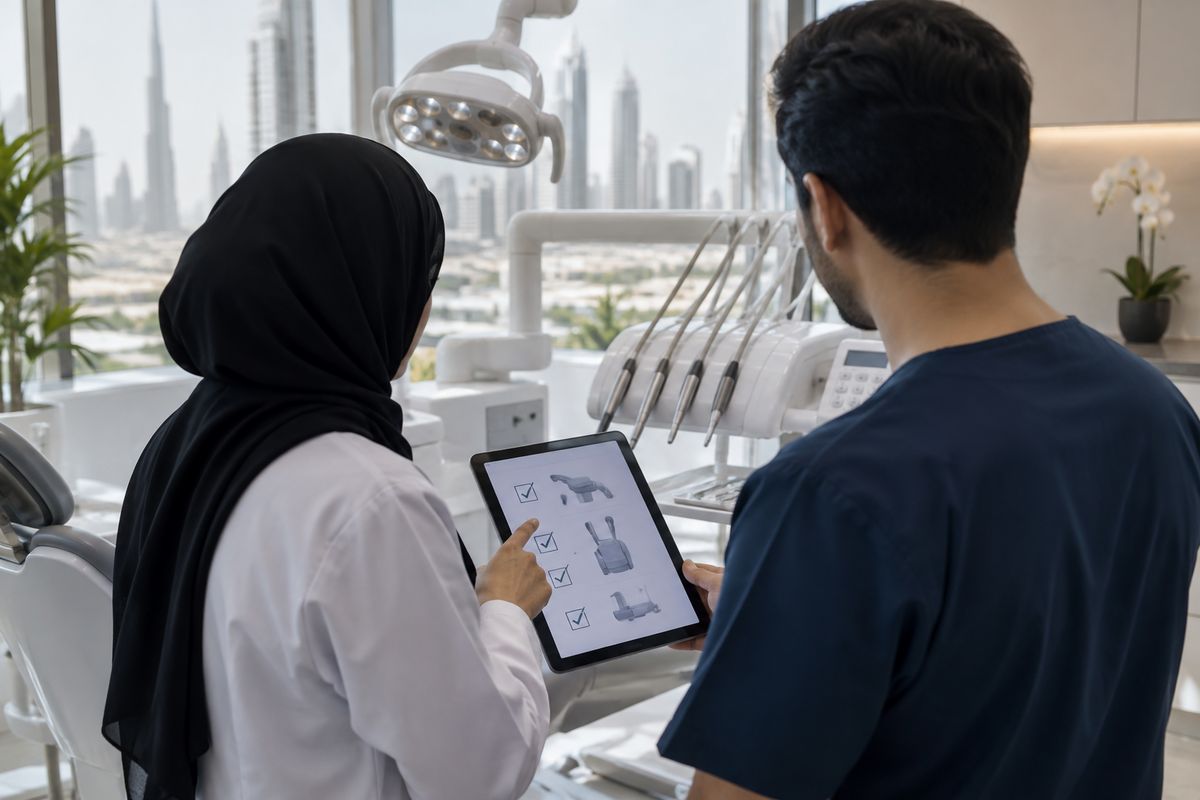
Dental equipment compatibility in a modern UAE dental clinic means ensuring that any new device—whether digital or conventional—integrates smoothly with your existing hardware, software, workflows, and regulatory requirements. This goes far beyond matching technical specifications or relying on brand reputation. True compatibility involves seamless data exchange, workflow alignment, and adherence to UAE healthcare regulations, which collectively support efficient patient care and clinic operations.
Neglecting a structured compatibility assessment can result in workflow disruptions, hidden costs, and even regulatory non-compliance. For example, integrating a new digital device without confirming its interoperability with current software or network protocols may lead to data silos or manual workarounds, undermining efficiency and patient safety. In the UAE context, skipping these checks can also expose clinics to regulatory penalties or costly retrofits if equipment fails to meet local standards or space requirements.
Understanding Dental Equipment Compatibility in UAE Clinics
Dental equipment compatibility in UAE clinics encompasses the seamless integration of hardware (such as chairs, imaging units), software (practice management, CAD/CAM), workflow protocols, and regulatory compliance. Compatibility ensures that new devices can connect physically and digitally with existing systems, support efficient clinical routines, and meet UAE health authority standards—such as those from the DHA and MOHAP, as well as CE, FDA, or IEC approvals (see more on dental equipment in Dubai) (W4, W7).
Efficient workflow integration reduces the risk of data silos, device malfunctions, and workflow bottlenecks, all of which can impact patient safety and operational compliance (S1, S6). For example, incompatibility between a new intraoral scanner and existing CAD/CAM software may require time-consuming workarounds or additional intermediary software, leading to delays and hidden costs (S1, S2). Careful compatibility assessment is thus critical to maintain smooth operations and avoid unexpected disruptions.
Regulatory and Compliance Checks for Dental Equipment in the UAE
Before purchasing new dental equipment, UAE dentists must ensure that devices meet strict regulatory and compliance standards. Key requirements include approval and registration with the Dubai Health Authority (DHA) or the UAE Ministry of Health and Prevention (MOHAP), as well as international certifications such as CE marking, FDA, or IEC approval, depending on the device type. For radiological equipment like X-ray and CBCT units, clearance from the Federal Authority for Nuclear Regulation (FANR) is mandatory, and all institutions using ionizing radiation must be licensed accordingly.
Verifying compliance before purchase helps avoid regulatory issues, potential fines, or operational delays. This is particularly important for digital devices and when sourcing equipment cross-border, as imported items must still meet UAE-specific standards regardless of their origin. Reliable suppliers should provide documentation proving regulatory compliance to support smooth clinic integration and inspection readiness.
Technical Compatibility: Hardware, Power, and Space
Before purchasing new dental equipment, UAE dentists should systematically assess technical compatibility to ensure seamless integration. Begin with a power supply check: most UAE clinics operate on 220–240V, so confirm that devices match this voltage and plug type. Evaluate physical space: UAE regulations require treatment rooms to be at least 12 square meters, with a minimum width of 3 meters, making it crucial to verify equipment dimensions and ensure adequate clearance for safe operation. Inspect hardware interfaces, such as USB, Ethernet, or wireless connectivity, and confirm compatibility with existing clinic IT infrastructure. Review mounting requirements—wall, cart, or ceiling—against available space and clinic layout. Common pitfalls include mismatched plugs, insufficient room for device maneuvering, or incompatible data ports. The table below summarizes key criteria for technical fit:
| Criteria | What to Check | Common Issues |
|---|---|---|
| Power Supply | Voltage, plug type | Incompatible plugs/voltage |
| Room Size | ≥12 m2, ≥3 m width | Device too large for room |
| Hardware Interfaces | USB, Ethernet, wireless | Port mismatch, no connectivity |
| Mounting | Wall, ceiling, cart options | No suitable mounting points |
Digital Workflow and Software Integration
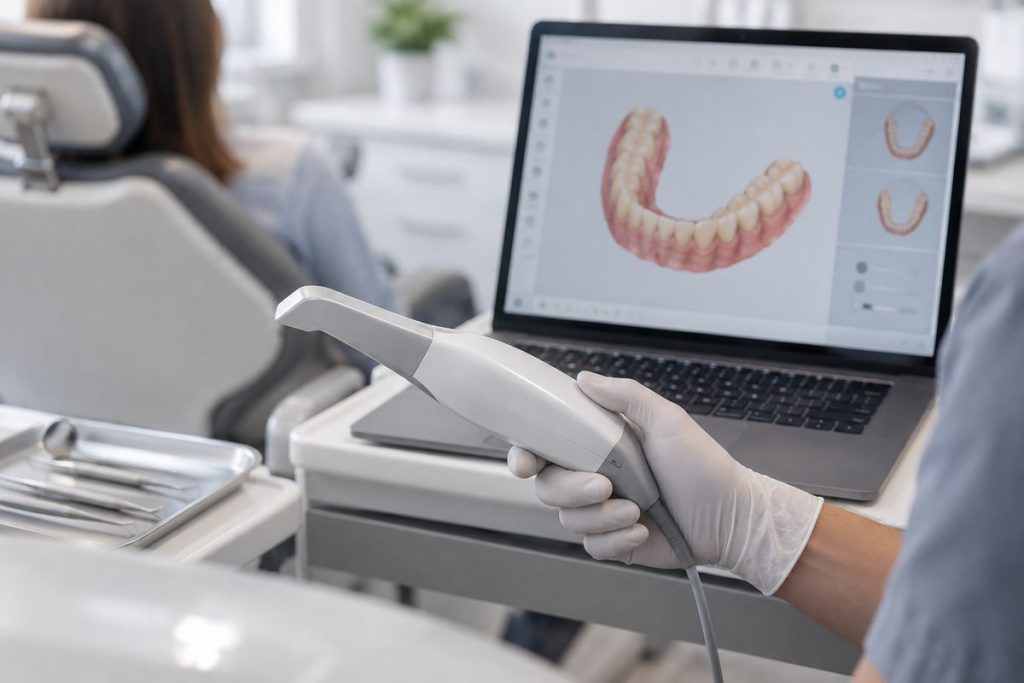
Effective integration of digital equipment—such as intraoral scanners, digital anesthesia units, and digital loupes—requires careful alignment with your clinic’s existing software and digital workflows. Devices like the Medit Intraoral Scanner and Panda Intraoral Scanner must export files in compatible formats (e.g., STL, DICOM) and interface smoothly with CAD/CAM and practice management systems. Key considerations include software interoperability, local network capacity, and robust data security protocols. Open systems offer broader compatibility, while closed systems may require intermediary software or bridges for integration with third-party platforms—a common challenge in UAE clinics (S1, S2, S5). Communication with dental labs can be complicated by mismatched file formats or proprietary software, making it essential to confirm compatibility before purchase. For a detailed look at evaluating intraoral scanner file formats for UAE dental clinics, see this guide.
| Criteria | Open System | Closed System |
|---|---|---|
| File Formats | STL, DICOM, others | Proprietary |
| Interoperability | High (multiple platforms) | Limited (same brand/software) |
| Lab Communication | Direct with many labs | May require conversion |
| Upgrade Flexibility | Easy to add/replace devices | Restricted to system |
Workflow Integration: Staff Training and Protocol Alignment
Successful integration of new dental equipment depends not only on technical compatibility but also on staff readiness and protocol adaptation. Assessing staff training needs is essential, as unfamiliar devices may require new skills and workflow adjustments. In practice, clinics should map out existing routines and compare them to the protocols recommended for the new equipment, identifying where changes or additional training are required. Structured onboarding, including hands-on demonstrations and clear communication protocols, can facilitate smoother transitions and reduce confusion. Without such alignment, clinics may encounter workflow bottlenecks, such as prolonged chairside times or miscommunication among team members, which can negatively impact efficiency and patient experience. Evidence suggests that deliberate integration of digital tools and standardized communication protocols significantly improves workflow and minimizes disruptions during technology adoption in dental settings.
Practical Compatibility Checklist: Step-by-Step Assessment
Before investing in new dental equipment, UAE dentists can minimize workflow disruption and unexpected costs by following a structured compatibility checklist. This approach covers regulatory, technical, digital, spatial, and workflow domains:
- Regulatory: Confirm device registration and compliance with UAE Ministry of Health, DHA, and CE/FDA/IEC standards (W4).
- Technical: Check voltage, plug type, physical dimensions, and mounting needs. Ensure the device fits within the minimum 12 m2 room size standard (W5).
- Digital: Verify software compatibility, file format support (e.g., STL for intraoral scanners), and network requirements (S5).
- Workflow: Assess staff training needs and protocol alignment to avoid bottlenecks (S1).
| Equipment Type | Key Compatibility Checks | Example Product |
|---|---|---|
| Intraoral Scanner | STL file support, USB/network, room space | Medit Intraoral Scanner |
| Loupes & Headlights | Mounting, power, ergonomic fit | Lumadent Headlight |
| Digital Anesthesia | Voltage, connectivity, training | Soga Digital Anesthesia |
Applying this checklist before purchase helps clinics anticipate integration needs and reduce downtime.
Troubleshooting and Planning for Future Upgrades
When compatibility issues arise after new dental equipment installation, practical solutions include using adapters for hardware mismatches, applying software updates, or revising workflows to ensure smooth integration. For example, intermediary software can bridge communication gaps between new devices and existing digital systems, facilitating data exchange and workflow continuity (see more on device compatibility considerations). To future-proof clinic systems, consider investing in modular equipment and platforms with open architecture. These systems are designed for easier upgrades and integration with emerging technologies, reducing the risk of workflow disruption as digital dentistry evolves. Studies suggest that modular and open systems support adaptability, allowing clinics to integrate new applications or devices with less complexity and cost. Proactive planning, including regular team training and reviewing system requirements before upgrades, can further minimize downtime and help maintain efficient, safe clinical operations.
Conclusion
A thorough compatibility assessment is a key factor in successful dental equipment integration in UAE clinics. Overlooking this step may result in workflow inefficiencies, regulatory non-compliance, and unforeseen costs, potentially disrupting patient care and clinic operations (S10). A structured compatibility checklist—covering regulatory approvals, technical fit, digital workflow integration, spatial requirements, and staff readiness—can help minimize these risks and support a smoother transition when adopting new technologies (S5, S10).
To ensure a seamless upgrade, UAE dentists are encouraged to:
- Verify regulatory compliance (DHA, MOHAP, FANR, CE/FDA/IEC as applicable)
- Confirm technical and spatial compatibility with existing infrastructure
- Assess digital workflow and software integration
- Plan for staff training and protocol updates
Involving the entire dental team and consulting with equipment suppliers for tailored integration support further enhances the likelihood of a successful outcome (S10). By adopting a systematic approach, clinics can better future-proof their systems, reduce hidden costs, and maintain high standards of patient care.
Frequently Asked Questions
What is the most common compatibility issue when integrating new dental equipment?
File format or software incompatibility is frequently reported, especially with digital devices.
Does all dental equipment need to be CE or FDA approved for UAE clinics?
Regulatory approval (CE, FDA, IEC) is often required for registration and compliance in the UAE.
How can I check if a digital scanner will work with my lab’s CAD/CAM system?
Check that the scanner exports in a file format (such as STL) accepted by your lab’s CAD/CAM software.
Should staff be trained before or after new equipment arrives?
It is advisable to arrange staff training before or at the time of installation to ensure smooth workflow integration.
References
- A Fully Integrated System for Digital Dentistry Workflow and Manufacturing Management (2026)
- Advancing Precision and Safety in Dentistry Through Modern Equipment Technologies (2026)
- Digital workflow in reconstructive dentistry (2021)
Last updated: 2026-11-09
Dentist, Iran Medical Council registration No. 233463 · Last reviewed: 10 November 2026
Nutrident educational content is based on credible sources and reviewed under his supervision. This article is for professional education and does not replace clinical examination or the judgement of the treating dentist.