




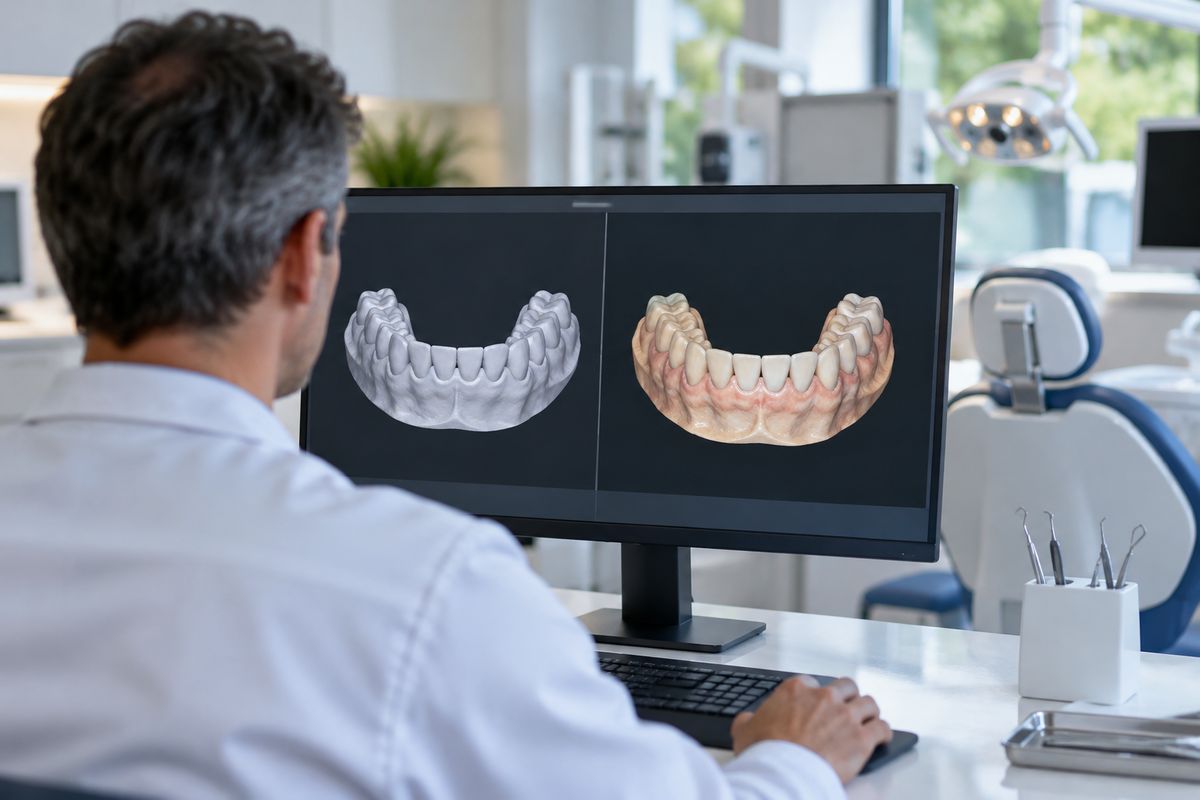
Choosing the right intraoral scanner file type is crucial for ensuring that your digital impressions can be seamlessly integrated with your dental lab’s workflow—both in the UAE and globally. The primary file types generated by intraoral scanners, such as STL, PLY, and OBJ, each carry specific data and compatibility considerations that directly impact how easily a clinic can collaborate with its lab. When file formats are not compatible, clinics may face delays, extra conversion steps, or even the need to rescan patients, disrupting efficient care delivery.
Dentists in the UAE and worldwide often ask: Will my scanner’s files work with my lab’s software? Can I send color scans, or will geometry alone suffice for my cases? These questions matter because the choice of file type determines not only the technical feasibility of lab integration, but also the overall quality and predictability of digital workflows in restorative and orthodontic dentistry. Understanding these file types and their roles is therefore essential for any practice aiming to optimize digital communication and avoid workflow interruptions.
Understanding Intraoral Scanner File Types
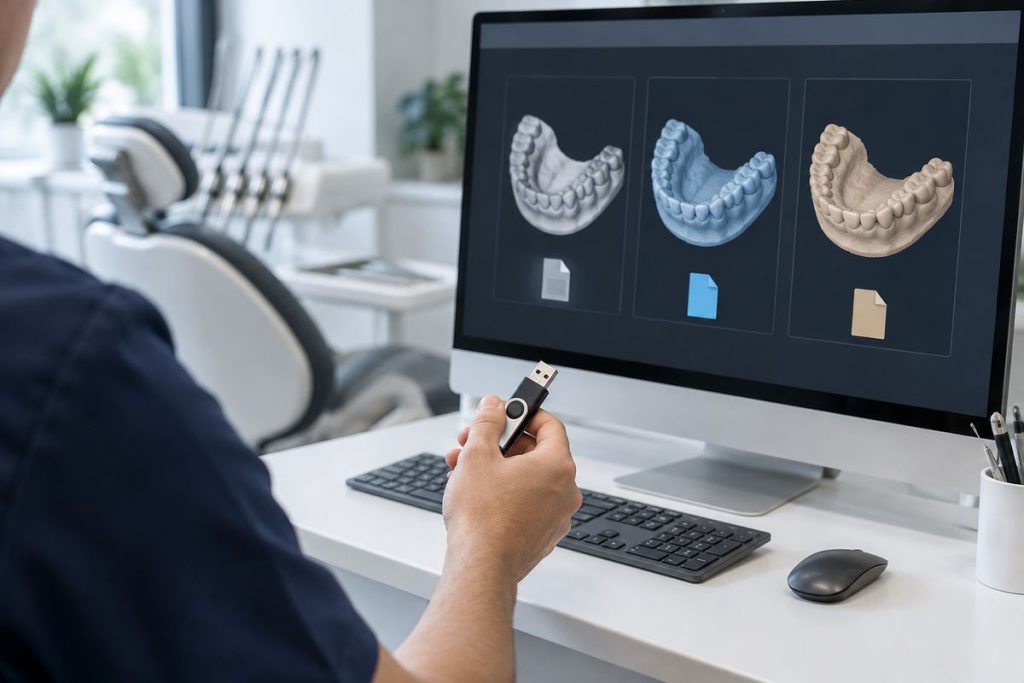
Intraoral scanners generate digital files that capture the three-dimensional shape of dental structures. The three most common file formats used in digital dentistry are STL (Standard Triangle Language), PLY (Polygon File Format), and OBJ. Each format encodes different types of information from the scan.
STL files contain only the geometric data of surfaces, representing the scanned anatomy as a mesh of triangles. This format does not include color or texture information. PLY and OBJ files, in contrast, can store additional data such as color and surface texture, which may be valuable for diagnostic or aesthetic planning. However, STL remains the most widely adopted open format in dental workflows due to its long history, broad compatibility, and support by most dental CAD/CAM and laboratory systems.[S5][S7][W1][W6]
Why File Format Compatibility Matters for Dental Labs
The file type generated by an intraoral scanner directly impacts how smoothly digital impressions are integrated into dental laboratory workflows. Open file formats, such as STL, are widely accepted because they enable straightforward import into a broad range of lab software, facilitating seamless collaboration between clinics and labs. In contrast, proprietary formats can restrict integration, sometimes requiring additional conversion steps or specific software licenses, which may slow down the process or introduce compatibility issues (learn more about evaluating intraoral scanner files).
If a scanner outputs a file type not supported by the lab’s software, it can result in workflow delays, data loss, or even the inability to fabricate restorations accurately. Studies highlight that open file architectures, particularly STL, are designed for easy third-party integration, reducing these risks and supporting efficient lab collaboration.
STL vs PLY vs OBJ: Practical Differences for Clinics
Intraoral scanners typically export files in STL, PLY, or OBJ formats, each with distinct characteristics relevant to clinic-lab workflows. STL files encode only the 3D geometry of scanned surfaces and are widely supported by dental CAD/CAM software, making them the default choice for most restorative workflows due to their universal compatibility and long-standing adoption in dentistry. PLY and OBJ formats include additional color and texture data, which can be important for applications such as shade matching or soft tissue analysis. However, not all dental labs accept these formats, and their compatibility depends on the lab’s software and workflow. In most restorative cases, STL files are sufficient, while PLY or OBJ may be preferred for cases where color information is clinically relevant.
| File Type | Data Content | Common Use | Lab Acceptance |
|---|---|---|---|
| STL | Geometry only | Restorative, implant | Very high |
| PLY | Geometry + color | Shade, ortho | Moderate |
| OBJ | Geometry + color/texture | Advanced visualization | Variable |
Choosing Scanners by Output File Compatibility
Open vs Closed Architecture
Intraoral scanners are designed with either open or closed system architectures, which directly impact the types of files they can export. Open-architecture scanners allow users to export scans in widely accepted formats, such as STL, making it easier to share data with a broad range of dental labs and software platforms. In contrast, closed systems may restrict export to proprietary file types, potentially limiting lab options or requiring additional conversion steps (see our digital workflow guide). Open systems are generally preferred for clinics prioritizing flexibility and collaboration .
Checking with Your Lab
Before selecting a scanner, clinics should confirm with their dental lab which file types are accepted and whether the lab’s software is compatible with the scanner’s output. This is especially important in the UAE, where labs may have specific software localization or workflow preferences. A practical stepwise approach includes: consulting with the lab about preferred file types, verifying scanner export settings, and conducting a test file transfer before full integration .
Panda and Medit Intraoral Scanner File Export and Compatibility
Both Panda and Medit intraoral scanners are recognised for their flexible file export options, supporting key formats such as STL, which is widely accepted by dental laboratories for restorative workflows. The Intraoral scanner MEDIT i900 Mobility (i900M) and Intraoral scanner MEDIT i900 both allow users to export scans in STL, and typically also support PLY and OBJ formats, enabling transmission of geometry, and—when needed—color and texture data. Practical experience from clinics using these models indicates consistent compatibility with most dental lab software, especially when STL is selected as the export format. UAE dental laboratories commonly request STL files due to their open format and broad support within regional CAD/CAM systems. Clinics are advised to confirm with their lab if color data (PLY/OBJ) is required for specific cases, as some UAE labs may have varied preferences or software capabilities.
Integrating Scanner Output with Dental Lab Workflows
Efficient integration of intraoral scanner output into dental lab workflows requires attention to secure and reliable file transfer methods. Best practices include using encrypted portals or direct uploads supported by both the clinic and lab, ensuring files such as STL or native formats are transmitted without corruption or loss of data. Onboarding with the dental lab is critical—this process involves confirming accepted file types, preferred transfer protocols, and aligning software versions to avoid compatibility issues. Workflow mapping between clinic and lab teams helps clarify responsibilities and expectations, reducing errors and turnaround time. Common pitfalls include mismatched software versions, which can prevent files from opening correctly, and missing metadata, such as patient or restoration details, which may delay or compromise case fabrication. Proactive communication and regular checks of software compatibility help maintain a seamless digital workflow from scan acquisition to final prosthesis delivery.
Decision Table: Matching Scanner Output to Lab Needs
Choosing the right intraoral scanner file type and model is critical for seamless lab integration. The table below compares common file types, scanner options—including the Intraoral scanner MEDIT i900 Mobility (i900M) and Intraoral scanner MEDIT i900—and typical lab compatibility. Consider your workflow (restorative, ortho, implant), need for color, and the lab’s preferred software when making a choice. UAE and global labs generally accept STL for restorative work, supporting intraoral scanner file compatibility, while PLY or OBJ may be needed for cases requiring color or texture data (W1, W5).
| File Type | Data Included | Common Use | Scanner Models | Lab Compatibility | Color Support | UAE/Global Lab Feedback |
|---|---|---|---|---|---|---|
| STL | Geometry only | Restorative, Ortho | i900, i900M, Panda | Widely accepted | No | Preferred for crowns/bridges |
| PLY | Geometry, Color | Implant, Esthetic | i900, i900M | Accepted by advanced labs | Yes | Requested for shade matching |
| OBJ | Geometry, Color, Texture | Complex esthetic | i900, i900M | Variable | Yes | Less common, check lab software |
For most restorative workflows, STL remains the standard choice for reliable clinic-lab communication. PLY or OBJ may be valuable for esthetic or implant cases where color fidelity is required. Always confirm your lab’s software compatibility and file preferences before workflow integration (W1, W5, W9).
Conclusion
Understanding intraoral scanner file types is fundamental for achieving seamless digital workflows between clinics and dental labs. Choosing the right file format—such as STL, PLY, or OBJ—directly impacts the ease of integration and the quality of collaboration with laboratory partners. STL remains the most widely accepted open format for restorative workflows, supporting broad compatibility across global and UAE dental labs (S5, W2).
Proactive communication with your laboratory is essential to confirm which file types and scanner models are compatible with their software and processes. This step helps avoid workflow disruptions due to incompatible formats or missing data (S4, S8). Both Panda and Medit intraoral scanners offer flexible export options, including STL, which are generally accepted by most UAE and international labs, making them practical choices for diverse clinical environments (W5, W7).
Checklist for Clinics:
- Confirm your lab’s preferred file formats before selecting a scanner.
- Ensure your scanner can export in open formats (e.g., STL).
- Regularly coordinate with your lab to verify software compatibility and workflow updates.
Ultimately, aligning scanner output with lab requirements supports efficient, predictable digital dentistry outcomes worldwide.
Frequently Asked Questions
What is the most widely accepted intraoral scanner file type for dental labs?
STL is the most widely accepted format due to its open architecture and broad support.
When should I use PLY or OBJ files instead of STL?
PLY or OBJ may be needed when color and texture data are required, such as for some ortho or aesthetic workflows.
Are Panda and Medit scanners compatible with most dental lab software?
Both typically support export in STL and other common formats, which most labs accept; always confirm with your lab.
What should I do if my lab cannot open my scanner files?
Check the export settings, consult your scanner documentation, and discuss with your lab about compatible formats or conversion options.
References
- … the complexities of digital dentistry integration in high-volume dental institutions: Understanding the complexities of digital dentistry integration in high-volume dental … (2020)
- Intraoral scanners in dentistry: a review of the current literature (2017)
- APPLICATIONS OF DIGITAL TECHNOLOGY IN DATA TRANSFER FROM THE DENTAL OFFICE TO THE DENTAL LAB. (2024)
Last updated: 2026-11-21
Related products at Nutrident


Dentist, Iran Medical Council registration No. 233463 · Last reviewed: 21 November 2026
Nutrident educational content is based on credible sources and reviewed under his supervision. This article is for professional education and does not replace clinical examination or the judgement of the treating dentist.